Office digital signage — dashboards and comms on any TV
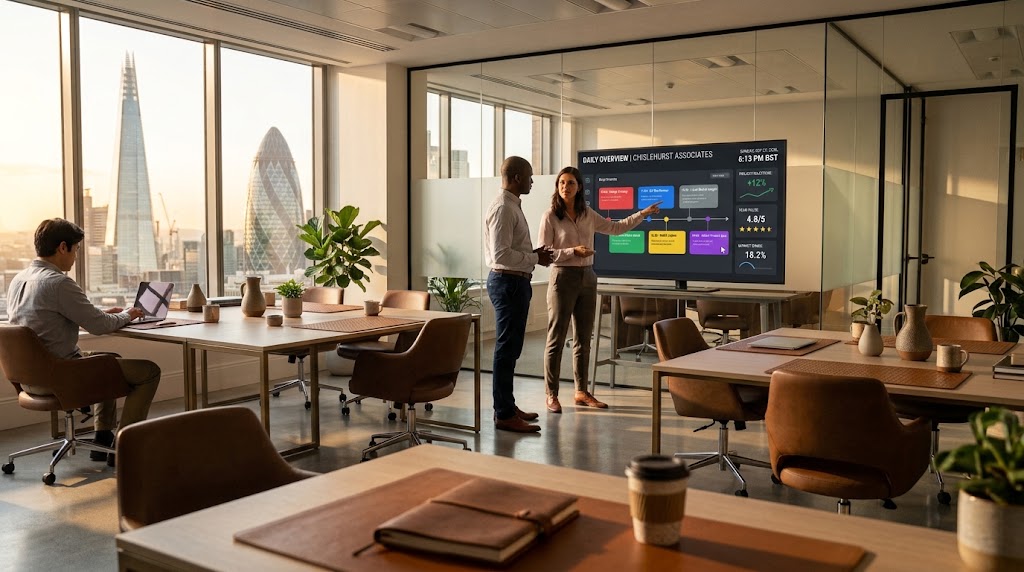
An office screen replaces the forgotten intranet post. Reception, the boardroom, and the kitchen all show the same live picture — metrics, announcements, and who is visiting — without anyone hunting for a HDMI stick each Monday.
1. What hardware do you need?
Any meeting-room or lobby TV plus a Fire TV Stick, Google TV box, or a Windows player. No proprietary media player and nothing extra to wire in.
2. Pair the screen
Open the Ambicast player on the display. Enter the six-character code once in your dashboard and the screen belongs to your organisation.
3. Build the playlist
Start from a dashboard or announcement layout. Drop in KPIs, a welcome message, and a photo. Schedule weekday comms to switch off or change after hours.
4. Update from your desk
Change a number or a visitor name from any laptop. The wall updates over the air in seconds — no USB, no reboot, no IT ticket.
Frequently asked questions
No. A standard TV or a cheap streaming stick is enough. Windows mini PCs work if you already have them in meeting rooms.
Yes. Publish the same playlist to every paired screen, or schedule different playlists per floor.
The player keeps the last published playlist on screen from its offline cache.