Retail digital signage — window and in-store screens in 15 minutes
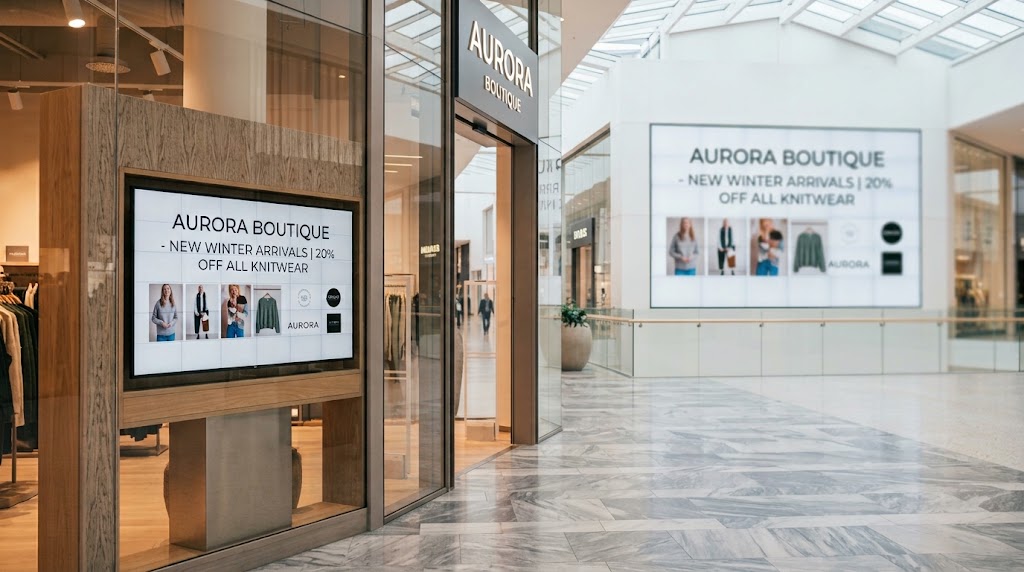
A shop window screen should look like the store, not a leftover TV. Pair the display, drop in this season’s look, and change the offer from your phone when stock moves — the same playlist can run on the window and a smaller board inside.
1. What hardware do you need?
A window or wall TV plus a streaming stick, or a browser on a smart display. There is no proprietary player to buy.
2. Pair the screen
Launch the Ambicast player, enter the pairing code in the dashboard, and the screen is yours. Repeat for a second display if you want the same campaign in-store.
3. Design the look
Use a sale or lookbook layout. Add product photos, a headline, and the offer. Keep it simple so it reads from the mall walkway.
4. Change the offer from your phone
Sold through on the knitwear? Swap the slide and both window and floor screens update over the air. Schedule weekend promotions to start on their own.
Frequently asked questions
No. Any TV with a Fire TV, Google TV or Android stick — or a smart-TV browser — is enough.
Yes. Publish one playlist to every paired screen, or give the window a shorter, louder version.
Within seconds of publishing from the dashboard.