Digital Screen Software

Two editors. One screen.

Quick Editor is for everyday playlists. Motion Studio is for layouts that need layers and motion. Both publish to the same screens.

Create free account Compare plans
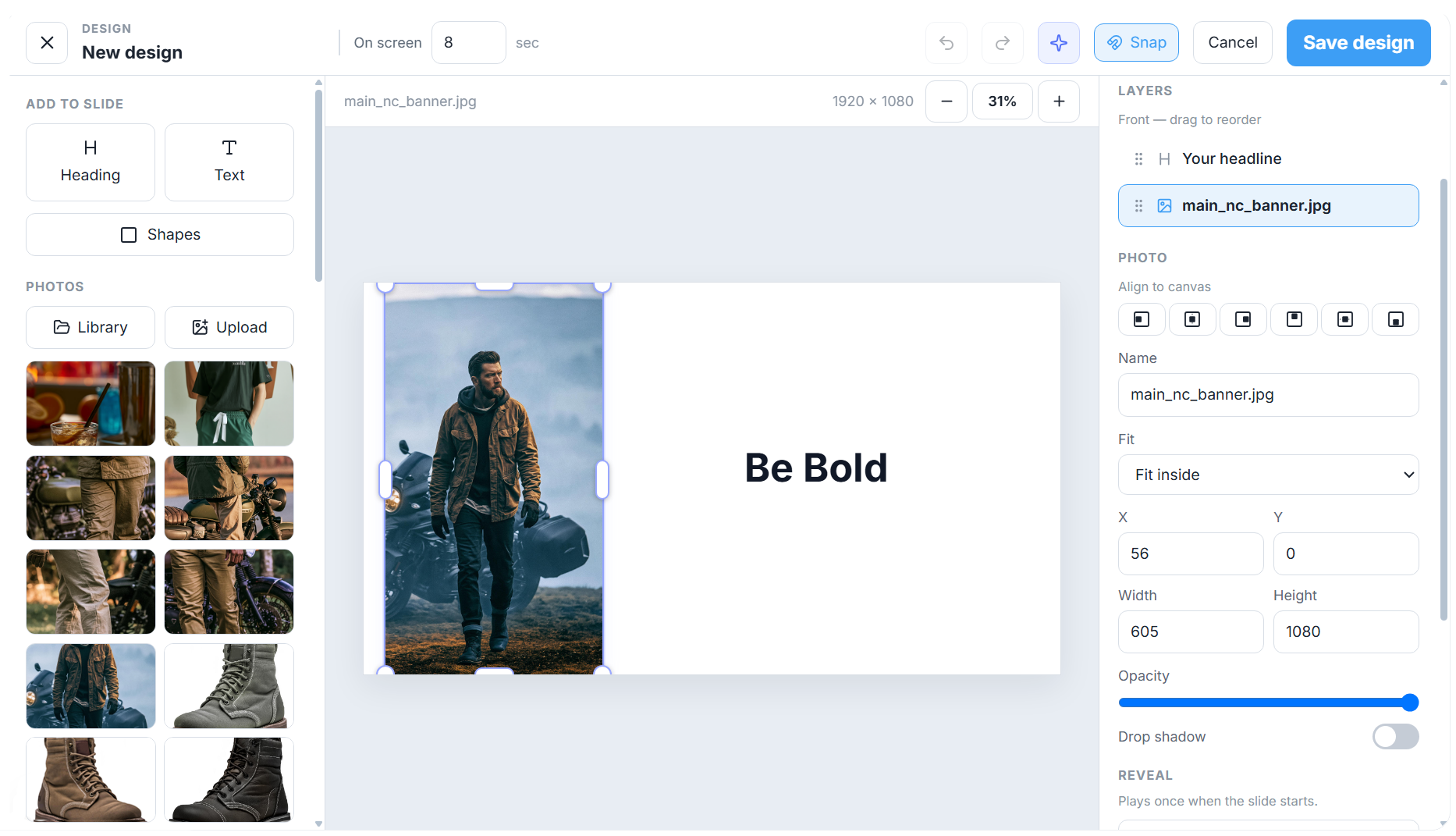
Quick Editor showing a pizza playlist chain and the media library
Tap to play
Every plan

Quick Editor

A chain of slides you drag into order. Drop in a photo, a video, or a menu, or design a page and add it as a slide. It is built to stay reliable on Fire TV Sticks and older players.

  • Slides in order
  • Photos, video, and menus
  • On Free, Standard, Pro, and Enterprise
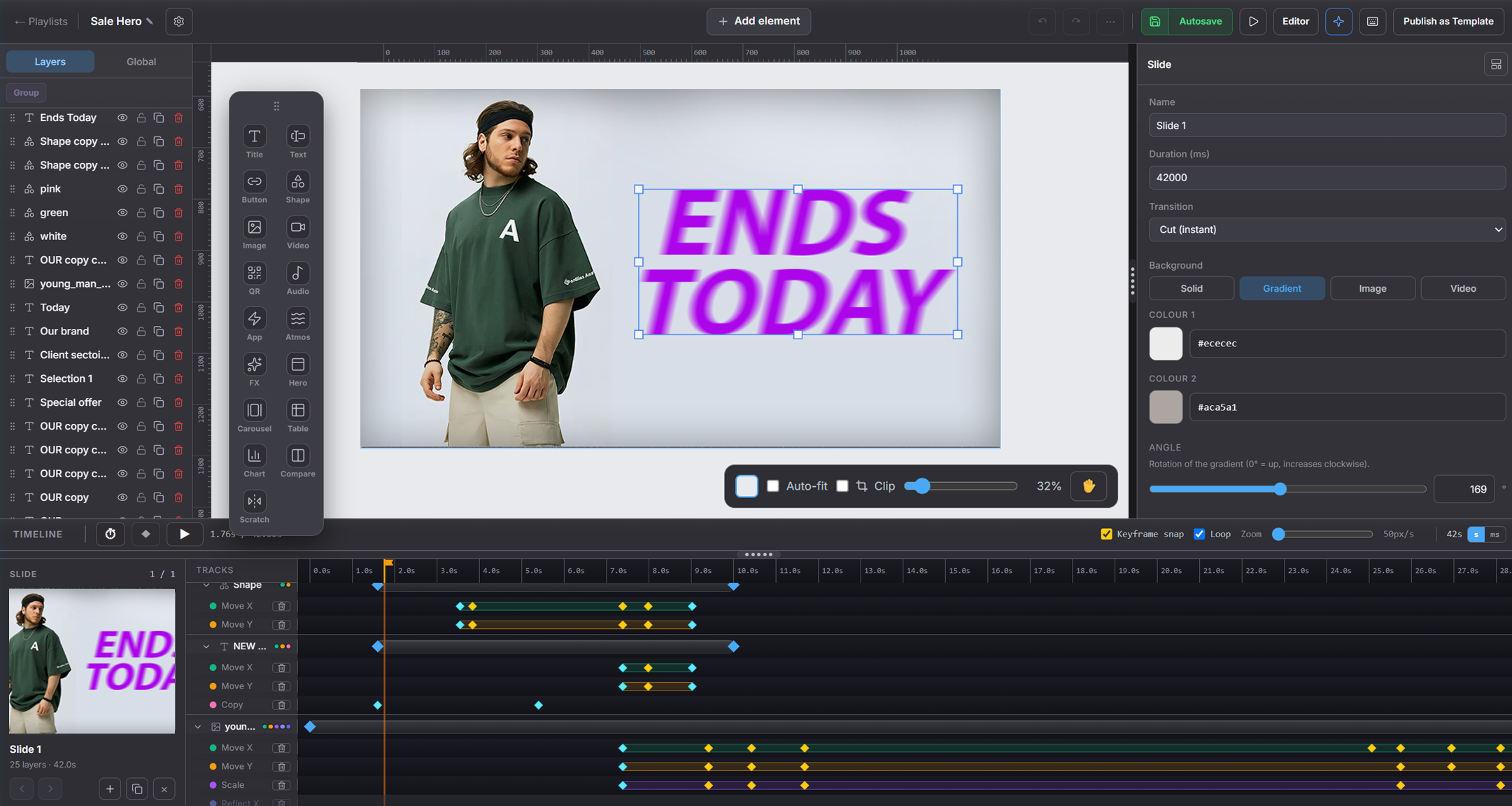
Motion Studio canvas with layers, timeline, and a designed slide
The Studio canvas
Pro and Enterprise

Motion Studio

The full canvas. Place layers, set type, and add motion on a timeline. Use it when a screen has to look designed, on a player that can handle it. Quick Editor stays available on the same plans.

  • Layers, type, and motion
  • A timeline for how the slide plays
  • Alongside Quick Editor on Pro and Enterprise
Ready when you are

Start Free in Quick Editor

Free and Standard include Quick Editor. Pro and Enterprise add Motion Studio.

Create free account See pricing

Free stays free, no card. 30-day trial on Standard and Pro